Filtering and searching
Use the filter panel at the top to narrow down your transactions:Transaction actions
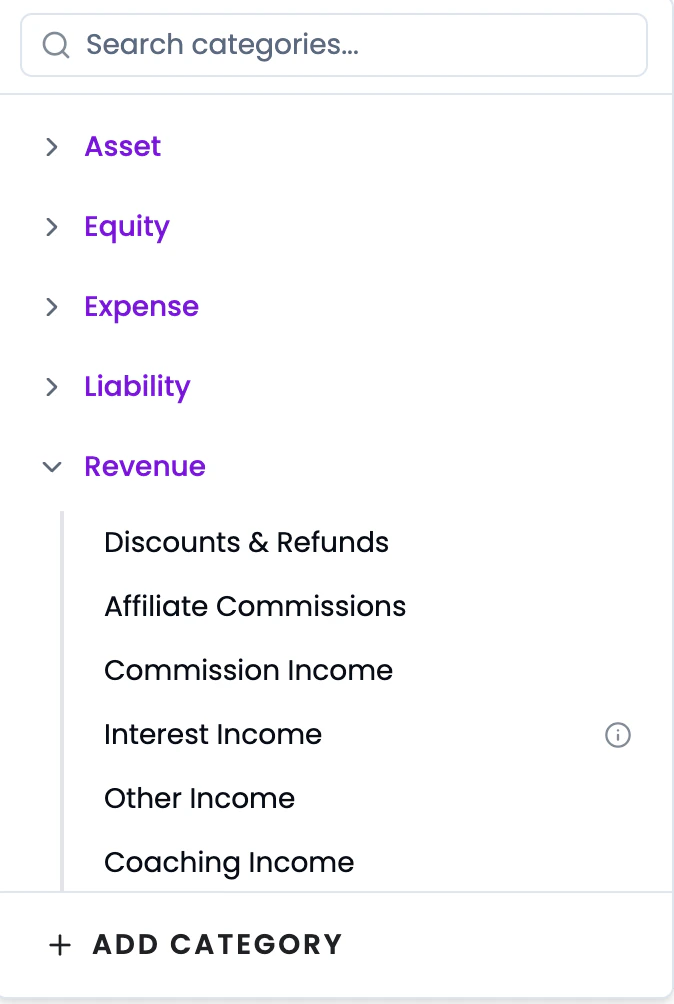
Available in a few places depending on what you want to do: On the transaction row:- Edit Category - click the Category dropdown on the row to reassign
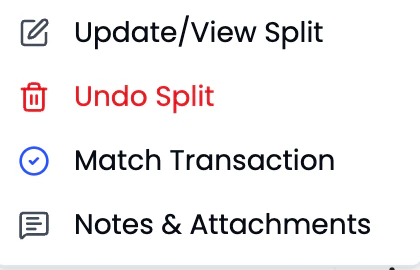
- Update/View Split - edit an existing split
- Undo Split - revert a split
- Match Transaction - link to an opposite transaction
- Notes & Attachments - add notes or attach receipts
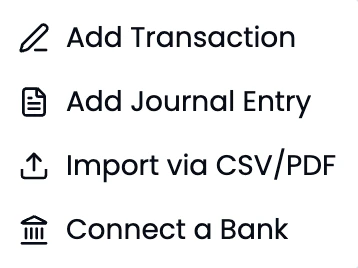
- Add Transaction - manual transaction entry
- Add Journal Entry - double-entry adjustment
- Import via CSV/PDF - bulk upload statements
- Connect a Bank - add a new bank
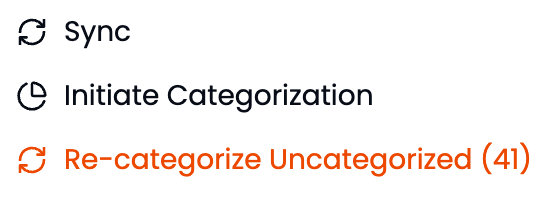
Syncing new transactions
Cashflowy automatically syncs your connected bank accounts daily, so new transactions appear on their own.If you want to pull in the latest transactions right away, click the three-dot menu at the top right of the Transactions page and select Sync.